
When it comes to streaming solutions, IPTV Smarter Player stands out as my top choice. This app empowers me to take full control of my entertainment experience. Unlike many other options, it does not come pre-loaded with content. Instead, it allows me to load my own playlists, ensuring that I can curate my viewing according to my preferences.
This versatile media player is compatible with a variety of devices, including Samsung, LG, Roku, and Android TV. I can easily switch from my television to my mobile device without missing a moment of my favorite shows. Additionally, the performance is remarkable, offering fast, buffer-free streaming that enhances my viewing pleasure.
With over 432,000 ratings, the app’s reliability is backed by continuous development from WHMCS SMARTERS. The multilanguage support is a bonus, making it ideal for Canadian users like me who enjoy diverse content. In the following sections, I will dive deeper into its features and compatibility, showcasing why this app is my ultimate streaming solution.
Key Takeaways
- IPTV Smarter Player allows users to load their own playlists.
- Compatible with multiple devices for seamless viewing.
- Fast, buffer-free streaming enhances the entertainment experience.
- Over 432,000 ratings indicate strong user satisfaction.
- Multilanguage support caters to diverse audiences.
Why IPTV Smarter Player Stands Out as a Leading Streaming Media Player
In the crowded landscape of streaming applications, few can match the unique offerings of this media player. This app serves as a dedicated platform for accessing the content I choose, rather than acting as a content provider. Understanding this fundamental role is crucial for new users embarking on their streaming journey.
The app transforms any compatible M3U or Xtream playlist into a seamless, cable-like viewing experience. With an organized channel guide and intuitive navigation, I can easily find what I want to watch. Its architecture is designed to eliminate buffering and delays, providing fast streaming quality that I have personally verified against other smart IPTV alternatives.
Living in Canada, I appreciate how this app caters to my streaming needs. Its multilanguage capabilities allow me to enjoy content in English, French, and other languages that reflect our diverse population. This flexibility means I can curate channels from various sources, giving me access to local news, international sports, and entertainment that suits my preferences.
Importantly, the app does not host or sell any content, aligning with Canadian copyright regulations. This transparency places the responsibility for legal playlist acquisition on me, which I find reassuring. This separation of the media player and content ensures that I am never locked into a single provider, allowing me to switch playlists whenever my needs change.
| Feature | Description |
|---|---|
| Dedicated Media Player | Access content added by the user, not pre-loaded. |
| Seamless Playback | Optimized playback engines for smooth performance. |
| Multilanguage Support | Enjoy content in multiple languages, including English and French. |
| Flexible Playlist Management | Curate channels from various sources according to user preferences. |
| Transparency | No content hosting, aligning with copyright regulations. |
Key Features and Benefits of IPTV Smarter Player
What makes this media player a standout choice is its exceptional feature set. This app excels in providing a seamless streaming experience, making it ideal for users like me who crave uninterrupted entertainment.
Seamless Playback and Buffer-Free Experience
The app’s playback engine is optimized for speed and stability. This ensures that live sports, movies, and entertainment stream without frustrating interruptions. I can enjoy my favorite content without worrying about buffering, which has been a common issue with other options.
Multi-Platform Support for Versatile Usage
One of the most appealing aspects of this app is its multi-platform support. I can start watching on my Samsung Smart TV, continue on my iPhone during my commute, and switch to an Android tablet in the bedroom. The consistent performance and synchronized favorites across devices make my viewing experience truly versatile.
Playlist Management: Flexibility and Control
The playlist management system is another standout feature. I can add content through a URL, Xtream account, 1-stream account, or direct file upload. This flexibility gives me unparalleled control over my streaming sources, allowing me to tailor my entertainment options to my preferences.
Additionally, the web-based playlist management feature uses device MAC and key authentication. This lets me organize channels and update my playlist remotely without needing to use the TV remote, saving me significant time.
Multilanguage Options Enhancing User Comfort
As a Canadian viewer, I appreciate the multilanguage options available in this app. I can switch interface languages and enjoy content metadata in my preferred language. This feature is often overlooked by many smart IPTV apps, but it greatly enhances my comfort while using the app.
The integrated Electronic Program Guide (EPG), introduced in version 1.4.0, transforms my viewing experience. It provides a familiar cable-style grid of current and upcoming programming across all my channels, making it easy to find what I want to watch.
Moreover, the app supports multiple playlist formats, including M3U and JSON. This means I am never locked into a single provider’s ecosystem and can experiment with different content sources as my entertainment needs evolve.
Finally, the advanced video codec support ensures high-quality playback on any screen size. Whether I’m using my phone or my 65-inch LG TV, I enjoy crisp video and synchronized audio that rivals premium streaming services.
| Feature | Description |
|---|---|
| Seamless Playback | Optimized for speed and stability, ensuring buffer-free streaming. |
| Multi-Platform Support | Compatible with Samsung, LG, Roku, Android TV, and more. |
| Flexible Playlist Management | Add content via URL, Xtream, 1-stream, or file upload. |
| Web-Based Management | Organize channels remotely using device MAC and key authentication. |
| Multilanguage Support | Switch interface languages and enjoy content metadata in your preferred language. |
| Integrated EPG | Provides a cable-style grid of current and upcoming programming. |
| Multiple Playlist Formats | Supports M3U, JSON, and other standard formats for flexibility. |
| Advanced Video Codec Support | Ensures high-quality playback on any screen size. |
Supported Devices and Compatibility
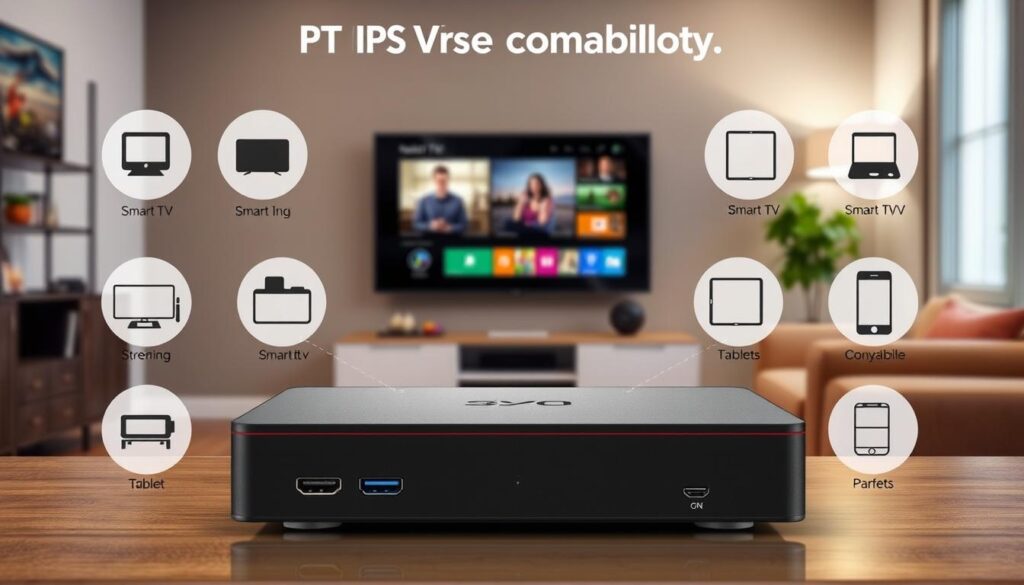
Understanding device compatibility is crucial for maximizing your streaming experience. This app offers a wide range of support for various devices, ensuring that users can enjoy their favorite content seamlessly.
Smart TVs: Samsung, LG, Roku, WhaleOS, and More
This app runs natively on popular Smart TV brands such as Samsung, LG, Roku, and WhaleOS. This broad compatibility covers most televisions found in Canadian households today.
Installing the app is straightforward. Users can download it directly from the television’s app store. This eliminates the need for external streaming devices, simplifying the setup process for less technical users.
Mobile Devices: iOS and Android Smartphones and Tablets
For mobile users, the app is available on both iOS and Android platforms. On iOS, it requires version 15.6 or later and occupies 82.3 MB of storage. It is designed for iPad but works seamlessly on iPhones as well, making it accessible on virtually every modern Apple device in Canada.
On Android, the app supports a variety of smartphones and tablets, providing a consistent streaming experience across all screens. Users can enjoy their favorite shows on the go without sacrificing quality.
Streaming Devices and How They Work with IPTV Smarter Player
Popular streaming devices like Amazon Fire TV Stick and NVIDIA Shield are also compatible with this app. These devices transform any HDMI-equipped screen into a powerful entertainment hub, enhancing the overall viewing experience.
From my experience, connecting an iPhone 15 Pro Max to a TV via an HDMI adapter provides the best wired viewing experience. However, casting works adequately for casual viewing sessions.
Moreover, the app’s lightweight footprint ensures it performs well even on older devices. This is particularly important for Canadian users who may not upgrade their hardware every year but still want reliable streaming services.
My User Experience and Performance Insights
Having used this app extensively, I can share some personal insights into my experience. The first thing that struck me was the intuitive interface. From the moment I opened the app, I found the organized TV guide and logical channel categories made navigation feel natural. Even if you’re not particularly tech-savvy, you’ll find it easy to locate your favorite content.
Intuitive Interface and Navigation
The app’s design prioritizes user experience. The logical layout of channels and playlists allows for effortless browsing. I appreciate how quickly I can access my favorite shows without feeling overwhelmed. The two-tap navigation to return to the menu is a thoughtful touch that prevents accidental exits during playback, though it may take some getting used to.
Quality of Streaming: Video and Audio Performance
When it comes to video quality, I can confirm the playback is indeed “silky, buttery smooth,” as many users have noted. The advanced codec support delivers crisp picture quality, even on my 65-inch LG screen. The audio is equally impressive, providing a rich sound experience that enhances my viewing pleasure. Whether I’m watching live sports or movies, the performance consistently meets my expectations.
Handling Streaming Quirks and Technical Considerations
While my experience has been largely positive, I’ve encountered a few quirks. For instance, the app operates in landscape-only mode on mobile devices, which can be inconvenient. Additionally, I’ve noticed some screen cut-off on smaller phone displays, but these are minor trade-offs for an otherwise exceptional streaming experience.
Another technical consideration is the black bars that appear at the top and bottom of the screen when using an iPhone with an HDMI adapter. Unfortunately, resizing to remove these bars isn’t always possible. However, I’ve learned to accept this limitation, given the overall quality of the playback.
Some users have reported that casting to certain Vizio screens results in no audio, while AirPlay works perfectly. These insights are helpful for troubleshooting potential issues before they arise. Overall, the developer’s commitment to improvement is evident in the consistent stream of minor bug fixes released between December 2024 and June 2025, which gives me confidence that any current quirks will be addressed in future updates.
Despite these minor technical considerations, I wholeheartedly recommend this app for streaming Xtream codes and M3U playlists. The core viewing experience far exceeds what I have found in competing options.
| Aspect | Details |
|---|---|
| Interface | Intuitive design with organized TV guide and logical channel categories. |
| Video Quality | Silky, buttery smooth playback with crisp picture quality. |
| Audio Performance | Rich sound experience enhancing overall enjoyment. |
| Mobile Quirks | Landscape-only mode and occasional screen cut-off on smaller displays. |
| HDMI Considerations | Black bars appear when using an iPhone with HDMI adapter; resizing not always possible. |
| Developer Support | Consistent minor bug fixes from December 2024 to June 2025. |
How to Set Up and Customize IPTV Smarter Player for Optimal Streaming
Setting up your streaming experience can be straightforward with the right guidance. This section will walk you through the essential steps to get your app ready for an enjoyable viewing experience.
Adding Playlists: URL, File Upload, and Account Integration
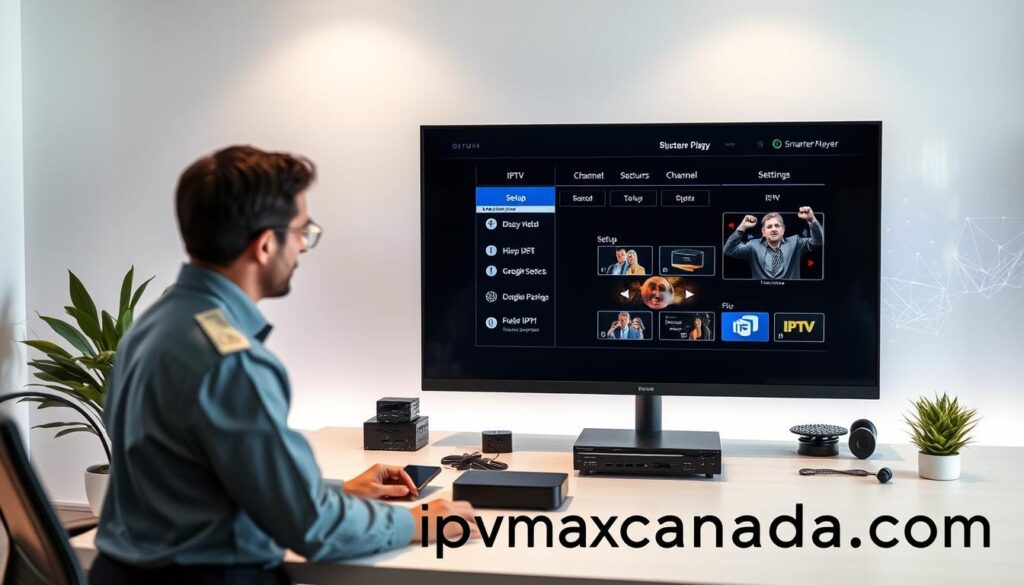
To begin, you need to add your playlists. There are three primary methods for doing this:
- URL Entry: Go to the Load Your Playlist or File/URL button. Name your playlist, paste the URL, and hit the Add User button.
- Xtream Account Integration: This is ideal for users subscribed to services that utilize this system. It allows for seamless access to your content.
- File Upload: You can upload a file directly, making it easy to manage your playlists.
Additionally, you can use your device’s MAC address and key to manage playlists remotely through a web browser, giving you control from anywhere.
Personalizing Settings: Parental Controls, EPG, and Appearance
Customizing your app settings enhances your viewing experience. Here are some key options:
- Parental Controls: Restrict access to certain channel categories, ensuring family-friendly viewing.
- Electronic Program Guide (EPG): Configure this feature to display accurate information for all channels, making it easier to find live movies and shows.
- Appearance Settings: Adjust colors, disable subtitles by default, and change the time format to suit your preferences.
These adjustments help create a viewing environment that reduces eye strain during long streaming sessions.
Managing Your Viewing Experience and Favorites
To streamline your daily viewing, utilize the favorites management system:
- Bookmark Channels: Easily save your preferred channels and movies for quick access.
- Organize by Category: Categorize your content to enhance navigation and make finding what you want simpler.
This personalized approach allows you to tailor your entertainment hub according to your viewing habits.
Important Notice: Remember that this app is a standalone media player. It does not provide, host, or sell any media content. Users must add and manage their own legally acquired media to comply with copyright laws in Canada. For more information, review the Terms of Use and Privacy Policy available on the developer’s website.
In-app purchases are available, including master features for $2.99, which may enhance your experience further. Based on my experience, these features are worth considering for an upgraded functionality.
Conclusion
As I reflect on my streaming journey, it’s clear that this app stands out among its competitors. Its combination of reliable performance, extensive device support, and user-centric design has made it my top choice for streaming.
Key advantages include seamless buffer-free playback, multi-platform compatibility across devices like Samsung, LG, and Roku, as well as flexible playlist management and multilanguage support. These features make this app the definitive choice for Canadian streamers.
The app’s impressive 432K ratings and ongoing development demonstrate a commitment to quality and user satisfaction. This gives new users confidence in their decision to download.
It’s essential to remember that this is a media player requiring user-supplied content. I encourage you to review the privacy policy and terms of use on the official website to understand your responsibilities regarding copyright compliance.
So, don’t wait! Download this app on your preferred device, load your playlist, and experience the superior streaming quality and entertainment freedom that I have enjoyed.