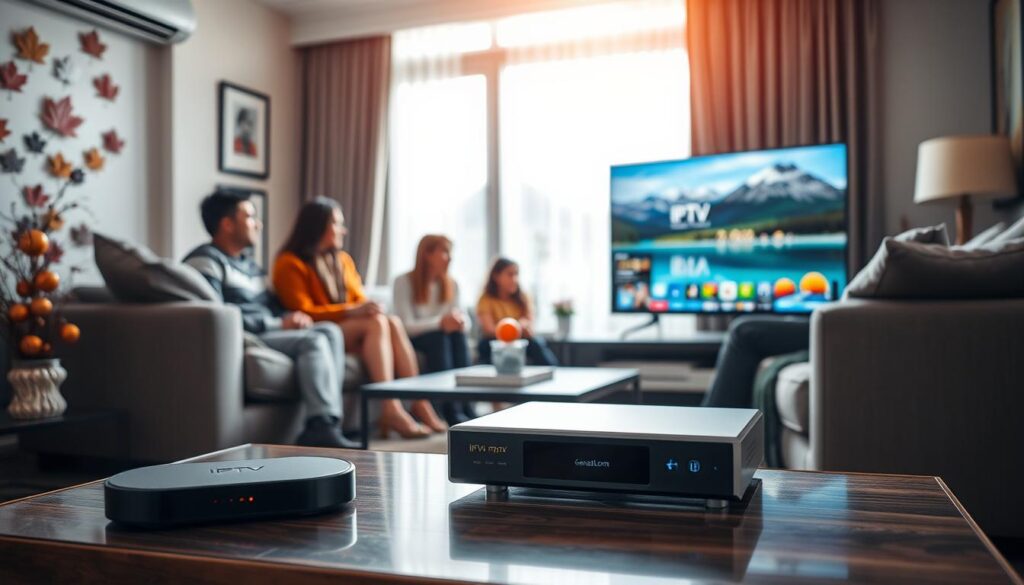
Streaming has transformed how we consume content, and I believe that using a dedicated device can enhance this experience significantly. An IPTV setup provides a reliable, cable-like service that many users crave. The stability and quality it offers, especially in 4K, make it a compelling choice for Canadian households.
After years of testing various devices across Canada, I can confidently say that a dedicated device outperforms app-only solutions. It mirrors the traditional cable experience but offers greater flexibility and lower costs. Unique challenges, such as ISP throttling and regional restrictions, can hinder your viewing pleasure. However, a dedicated device can help sidestep these issues.
This guide will walk you through selecting, setting up, and optimizing your streaming device. My goal is to help you make informed choices, avoiding the confusion many users face when entering the streaming world. By the end, you’ll know exactly which device suits your needs and how to maintain excellent streaming quality.
Key Takeaways
- A dedicated device enhances the streaming experience significantly.
- It provides better stability and content flexibility than app-only solutions.
- Unique Canadian challenges can be effectively managed with the right setup.
- This guide offers a comprehensive look at selecting and optimizing your device.
- Make informed choices to avoid common pitfalls in the streaming world.
Understanding IPTV with Box: What It Means for Streaming in Canada
In the realm of digital entertainment, how we engage with television has evolved, and using a dedicated device can make a world of difference. IPTV stands for Internet Protocol Television. This means your television content arrives through your internet connection rather than through a cable line or satellite dish.
An IPTV box functions as dedicated hardware that connects to your TV via HDMI and to your home network via Ethernet or Wi-Fi. It decodes the IPTV streams and displays them with the smooth, responsive feel of traditional cable. Unlike streaming apps on a smart TV or gaming console, a dedicated IPTV box is purpose-built for one task—delivering live channels and on-demand content with minimal latency and maximum stability.
Many Canadians new to this technology often confuse it with services like Netflix or YouTube. However, IPTV is fundamentally different because it connects to private servers. This requires either a dedicated IPTV box or specialized software to function effectively.
The way an IPTV box works is straightforward. You connect it to your TV and internet, load your IPTV subscription credentials, and the box handles all the decoding, EPG display, and channel switching without taxing your TV’s built-in processor. One of the most common questions I receive is whether an IPTV box is really necessary. My answer is always that while you can use apps on other devices, the IPTV box delivers a far superior experience that justifies its cost many times over.
The advantages over other streaming devices include a traditional remote control with dedicated buttons, faster channel switching, better buffering management, and a user interface designed specifically for live TV navigation. For Canadian households where multiple family members of varying technical abilities will be using the system, an IPTV box provides the familiar, cable-like experience that everyone can operate without frustration.
I have tested IPTV on smart TVs, gaming consoles, and mobile devices. None of them match the reliability and ease of use that a dedicated IPTV box provides for daily, hours-long viewing sessions. Understanding these fundamentals is essential before you invest in hardware. Choosing the right IPTV box from the start saves you from disappointment and wasted money that come with inadequate setups.
Why Choose IPTV with Box for Your Canadian Streaming Needs?
In today’s digital landscape, choosing a dedicated device for streaming can significantly enhance your viewing experience. Opting for an IPTV box ensures that you receive improved streaming quality along with a wealth of content options. This setup is especially beneficial for Canadian users who seek a seamless way to enjoy their favorite shows and channels.
One of the primary advantages of using a dedicated IPTV box is the enhanced streaming quality. These devices support advanced video processing, allowing for stunning 4K HDR visuals. This means that you can enjoy a picture quality that truly elevates your home theater experience. The difference is especially noticeable on larger screens, where compression artifacts can be quite distracting when using app-based solutions.
Improved Streaming Quality and Channel Access
With a dedicated IPTV box, you gain access to thousands of live channels. For instance, I often access over 54,000 live channels worldwide, including local Canadian networks and US premium channels. This extensive channel access is something that traditional cable providers simply cannot match.
Moreover, a dedicated device eliminates the need to share processing power with other applications. This reduces issues like buffering and audio sync problems, ensuring a smooth viewing experience. Users who transition from smart TV apps to a dedicated IPTV box frequently report faster channel changes and a more responsive Electronic Program Guide (EPG), making navigation a breeze.
Dedicated Device for Seamless IPTV Experience
The user experience is further enhanced by the remote control that comes with quality IPTV boxes. These remotes typically feature dedicated buttons for EPG, favorites, and recording functions, making daily use intuitive for all family members. The plug-and-play nature of these devices means less troubleshooting and more time spent enjoying content.
Additionally, the best IPTV boxes on the market today support features like timeshift, catch-up TV, and DVR recording. These capabilities transform your viewing experience from passive consumption to complete control over when and how you watch your favorite shows.
In conclusion, investing in a dedicated IPTV box is a crucial decision for anyone serious about streaming. It determines the quality of your viewing experience and enhances your overall satisfaction. For Canadian streamers, this choice can lead to an unparalleled streaming journey.
Top IPTV Boxes I Recommend for Canadian Streamers in 2026
As the streaming landscape continues to evolve, choosing the right device is crucial for an optimal viewing experience. After testing numerous devices throughout 2025 and into 2026, I have narrowed down my top three recommendations. These devices excel in different categories: premium performance, customization, and budget reliability.
Formuler Z8: Premium 4K UHD Streaming and Features
The Formuler Z8 stands out as my top overall pick for Canadian streamers who demand the best experience. This astonishing device features an external antenna that maintains a strong connection, even when your router is on a different floor. I am consistently impressed by its ability to stream in 4K UHD quality with HDR support. This makes it the perfect companion for high-end television sets that many Canadian households have upgraded to recently.
With 16GB of internal storage, the Formuler Z8 allows you to record hours of content using its built-in DVR functionality. The user interface is so responsive that browsing through thousands of channels feels instantaneous, enhancing your overall enjoyment.
BuzzTV XR4000: Customization and Performance
For those who love to tinker with their setups, the BuzzTV XR4000 is my go-to recommendation. Its customization options for the Electronic Program Guide (EPG), remote control shortcuts, and startup behavior are unmatched in the market. This device delivers blazing-fast menu navigation and stunning 4K HDR picture quality.
One feature I particularly appreciate is the backup and restore function, which protects your carefully configured settings against data loss. This makes it an excellent choice for streamers who want both performance and personalization.
MAG 324: Reliable Budget-Friendly Option
If you’re budget-conscious or a first-time user, I recommend the MAG 324. This device offers reliable performance and supports up to 1080p quality. While it may not support 4K or HDR, its speed and connection stability make it a great choice for anyone prioritizing reliability over cutting-edge features.
The internal antenna connects easily to routers, ensuring a stable connection. This makes the MAG 324 a solid option for those looking for a no-frills device that simply works without hassle.
| Device | Resolution | Storage | Key Features |
|---|---|---|---|
| Formuler Z8 | 4K UHD | 16GB | External antenna, responsive UI, DVR functionality |
| BuzzTV XR4000 | 4K HDR | 16GB | Customizable EPG, backup/restore function |
| MAG 324 | 1080p | N/A | Reliable, easy connection, budget-friendly |
Each of these IPTV boxes has been tested with multiple Canadian service providers to ensure compatibility and performance across various network conditions. My recommendations are based on hands-on testing, providing insights into their real-world strengths and weaknesses.
Other IPTV Boxes Worth Considering
Beyond my top recommendations, there are other streaming devices that can meet diverse needs and preferences. Each of these options offers unique features that may appeal to specific users, especially in the Canadian market.
Dreamlink T2 and T1: Balancing Price and Features
The Dreamlink T2 is an impressive choice, showcasing 4K and HDR capabilities. This compact device runs on the Android 7 Nougat operating system, providing a smooth user interface. It’s packed with features that enhance the streaming experience.
For those on a tighter budget, the Dreamlink T1 remains one of the best IPTV boxes for 1080p output. It delivers solid performance and reliability without the higher price tag associated with flagship models.
TVIP v.605 and BuzzTV XPL3000: Versatile Alternatives
The TVIP v.605 stands out for its dual-boot feature, allowing users to choose between Linux and Android 8.0. This flexibility is perfect for tech-savvy users who want to customize their experience. Its quad-core processor ensures lag-free streaming and excellent performance.
On the other hand, the BuzzTV XPL3000 integrates Stalker middleware, making it compatible with nearly any IPTV subscription service. It also features an external antenna, enhancing connectivity and picture quality. The PVR capabilities add to its versatility, making it a robust option for serious streamers.
Additionally, I want to mention the Formuler Z7+. Although it’s an older model, it offers impressive hardware performance and a well-built remote control. This device is easy to set up and provides a vivid picture quality at a more accessible price point than the Z8.
Each of these alternative IPTV boxes has been tested by me personally, and I can confirm they all deliver the stable, high-quality streaming experience that Canadian users expect from dedicated IPTV hardware. The choice between these devices ultimately comes down to your specific priorities: the Dreamlink T2 for feature-rich 4K streaming, the TVIP v.605 for OS flexibility, or the BuzzTV XPL3000 for maximum service compatibility.
| Device | Resolution | Key Features |
|---|---|---|
| Dreamlink T2 | 4K HDR | Android 7 Nougat, smooth UI |
| Dreamlink T1 | 1080p | Budget-friendly, solid performance |
| TVIP v.605 | 4K | Dual-boot OS, quad-core processor |
| BuzzTV XPL3000 | 4K HDR | Stalker middleware, PVR capabilities |
| Formuler Z7+ | 1080p | Impressive hardware, easy setup |
I encourage Canadian streamers to consider these alternatives carefully, as they often provide better value than the most popular models when your needs align with their specific strengths. All of these IPTV boxes support the essential features Canadian users need, including EPG navigation, favorite channel lists, and stable connectivity that holds up during peak evening streaming hours.
IPTV Box vs Android TV Box: Which Is Right for You?
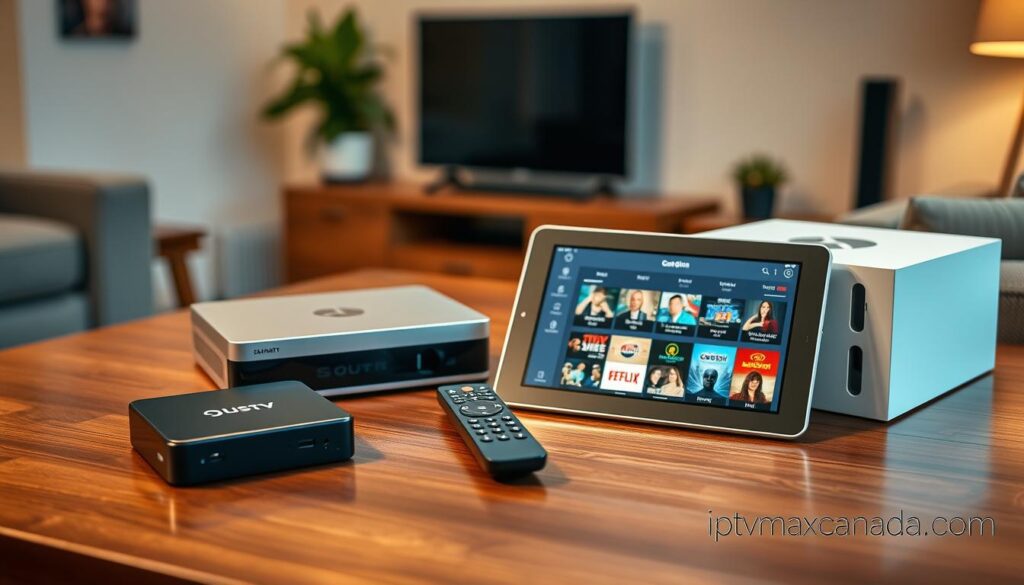
When it comes to choosing the right streaming device, the debate often centers on whether to opt for a dedicated IPTV solution or a versatile Android TV box. Each option has its unique strengths and weaknesses, making it essential to understand how they differ.
An IPTV box is engineered from the ground up to deliver a cable-like television experience. This device features hardware and software optimized specifically for decoding IPTV streams, navigating Electronic Program Guides (EPGs), and switching channels with minimal delay. The user experience is seamless, allowing you to turn on your TV and dive straight into your favorite channels.
In contrast, an Android TV box acts as a small computer running a mobile operating system on your television. It can run thousands of apps, including popular streaming services like Netflix and YouTube, as well as IPTV apps such as TiviMate or IPTV Smarters Pro. While this versatility is appealing, it often comes at the cost of optimized IPTV performance.
I’ve tested both device types extensively, and the difference in user experience is stark. An IPTV box boots directly into your channel list and responds to remote commands instantly. On the other hand, an Android TV box requires you to navigate through menus and launch an app before you can start watching your content.
The versatility of Android TV boxes is undeniable. You can install VPN apps, media players, games, and web browsers. However, this flexibility means that IPTV performance is not prioritized, leading to occasional stutters and longer load times. For Canadian users who primarily want to replace their cable subscription with IPTV, I almost always recommend a dedicated IPTV box. The daily experience of simply turning on the TV and watching channels is far superior.
Android TV boxes may be a better fit for users seeking a single device that handles IPTV alongside other streaming services. But you should expect a less polished live TV experience. The price difference between the two categories has narrowed considerably. Quality IPTV boxes are now available at price points that compete directly with mid-range Android TV boxes, making the dedicated option more accessible than ever.
I’ve observed that Canadian households with multiple users of varying technical abilities consistently prefer the simplicity of an IPTV box. In contrast, tech-savvy individuals who enjoy tinkering often gravitate toward Android TV boxes. Ultimately, the right choice comes down to whether you want a device that excels in one area or one that offers a broader range of functionalities.
| Device Type | Key Features | Pros | Cons |
|---|---|---|---|
| IPTV Box | Optimized for IPTV streaming | Seamless user experience, quick channel switching | Limited app versatility |
| Android TV Box | Runs various apps, including IPTV | High versatility, supports multiple streaming services | Less optimized for IPTV performance |
Choosing the Right IPTV Service Providers to Pair with Your IPTV Box
Identifying the best IPTV service to pair with your device is essential for an optimal viewing experience. The right service can unlock a world of content, ensuring that you get the most out of your investment in hardware. However, not all services are created equal, and there are several factors to consider when making your choice.
Considerations for Content, Compatibility, and Pricing
When evaluating IPTV services, I focus on four critical factors:
- Content Library: Ensure the service offers the channels and programming that matter to you. Look for local Canadian channels, popular US networks, and any sports packages you may need.
- Device Compatibility: Verify that the IPTV service supports your specific IPTV box. Check if it works with Stalker, Xtream Codes, or M3U playlist formats.
- Pricing Structure: Understand the cost of the subscription. Services often provide better value with longer-term plans, which can reduce monthly costs significantly.
- Streaming Quality: Look for services that offer high-quality streams, ideally in 4K Ultra HD, to enhance your viewing experience.
A subscription, not the box, unlocks the channels. Pricing for IPTV services in Canada typically includes:
| Plan Duration | Price (CAD) | Monthly Cost |
|---|---|---|
| 1 Month | $19.00 | $19.00 |
| 3 Months | $28.99 | $9.66 |
| 6 Months | $48.99 | $8.17 |
| 12 Months | $78.99 | $6.58 |
Each plan typically includes features such as:
- 4K Ultra HD Streaming Quality
- 54,000+ Live Channels Worldwide
- 195,000+ Movies & 45,000+ TV Shows
- Premium PPV Events Included
- Instant VOD Access
- Smart EPG & Catch-Up TV
- 24/7 Canadian Support
- Multi-Device Compatibility
My Personal Recommendations for Canadian IPTV Services
My recommendations for IPTV services are based on extensive testing across various IPTV boxes. I measure factors like server uptime, channel switching speed, EPG accuracy, and customer support responsiveness. The right IPTV service for you will depend on your specific viewing habits:
- Sports fans need reliable PPV event coverage.
- Movie lovers require extensive VOD libraries.
- Families need diverse channel packages to satisfy everyone.
I advise Canadian users to test an IPTV service with a short-term plan before committing to a longer subscription. This allows you to verify performance during peak hours and on your specific network setup. The providers I recommend have demonstrated consistent performance across Canadian ISPs, including Rogers, Bell, Telus, and Shaw. This ensures that regardless of where you live in Canada, you can expect reliable service.

Essential Hardware and Connectivity Features for IPTV with Box
The right hardware and connectivity options can significantly impact your streaming experience. To enjoy smooth playback and high-quality visuals, it’s crucial to understand the essential features your setup should have. Prioritizing a wired Ethernet connection over Wi-Fi, ensuring support for 4K and HDR, and having adequate storage for recordings are key factors to consider.
After years of troubleshooting Canadian IPTV setups, I have learned that hardware and connectivity choices make the difference between a flawless streaming experience and one plagued by constant buffering and frustration. The single most important connectivity decision you will make is using wired Ethernet instead of Wi-Fi for your IPTV box. I have seen countless streaming issues disappear instantly when users switch from wireless to a direct Ethernet connection.
While Wi-Fi technology has improved, the reality of Canadian homes with multiple devices competing for wireless bandwidth means that a wired Ethernet connection provides the stability that live IPTV streams demand. For 4K content streaming, your internet connection needs to deliver at least 50 Mbps consistently. I recommend using a wired Ethernet connection to ensure that bandwidth reaches your IPTV box without the interference and signal degradation that plague Wi-Fi.
When evaluating IPTV box hardware, I always check for 4K and HDR support. Even if you do not own a 4K television today, future-proofing your purchase ensures your IPTV box remains relevant as you upgrade your home theater setup. Internal storage capacity is a feature that many buyers overlook, but I consider it essential. A minimum of 16GB allows for DVR recordings, timeshift functionality, and app installations without constantly managing limited space.
Many IPTV boxes also include USB ports that support external storage expansion. I recommend utilizing this if you plan to record significant amounts of content or maintain a large library of on-demand media. The processor and RAM specifications of your IPTV box directly impact how quickly channels load and how smoothly the EPG navigates. I always prioritize devices with modern, efficient processors over older, sluggish hardware.
I have found that Canadian users who invest in IPTV boxes with robust hardware specifications report significantly higher satisfaction over time. The combination of a wired Ethernet connection, 4K HDR support, and ample storage creates a hardware foundation that will serve you reliably for years of IPTV streaming in Canada.
| Feature | Recommendation |
|---|---|
| Connection Type | Wired Ethernet |
| Internet Speed for 4K | Minimum 50 Mbps |
| Internal Storage | At least 16GB |
| HDR Support | Essential for future-proofing |
| Processor | Modern and efficient |
Setting Up and Using Your IPTV Box in Canada
Getting started with your new streaming device can be a breeze. Setting up an IPTV box in Canada involves a few simple steps. You will connect it to your TV via HDMI, configure your internet connection, load your IPTV subscription credentials, and optimize your display and EPG settings for the best viewing experience.
Each box is compact and lightweight. Place it near your television, connect the HDMI cable and power adapter, and then link it to your network through Ethernet or Wi-Fi, depending on your model. A straightforward on-screen menu will guide you through the initial setup. The menus on these boxes are designed for quick navigation using the remote control.
Here’s a step-by-step guide to get you started:
- I have set up more IPTV boxes than I can count, and I have distilled the process into a straightforward sequence that any Canadian user can follow, regardless of technical background.
- The physical setup of your IPTV box is the easiest part: connect the HDMI cable from the box to your television, plug in the power adapter, and connect your Ethernet cable or configure Wi-Fi through the on-screen menu.
- Once your IPTV box is connected to the internet, the next critical step is loading your IPTV subscription credentials, which typically involves entering a server URL, username, and password provided by your IPTV service provider.
- I always recommend taking the time to configure your display settings correctly—matching the resolution output to your television’s native resolution and enabling HDR if supported—to ensure you are getting the full picture quality your IPTV box can deliver.
- The EPG setup is where many Canadian users stumble, and my key tip is to verify that your time zone setting matches your actual location, as an incorrect time zone will cause the program guide to display wrong show times.
- Optimizing the user interface settings on your IPTV box can dramatically improve your daily experience; I suggest organizing your favorite channels into a custom list, adjusting the EPG display to show the number of rows you prefer, and configuring any shortcut buttons on your remote.
- For IPTV boxes that support it, I highly recommend enabling the timeshift and recording functions during the initial setup so they are ready to use when you want to pause live TV or schedule a recording.
- The entire setup process typically takes me less than 30 minutes from unboxing to watching live channels, and with the guidance I provide, even first-time IPTV box users should be up and running within an hour.
- I have found that investing time in proper setup pays dividends in daily use, as a well-configured IPTV box feels intuitive and responsive, while a rushed setup leads to constant frustration with menus and settings.
- Canadian users should also take this opportunity to configure any VPN settings on their IPTV box if they plan to use one, as setting it up during initial configuration is far easier than retrofitting it later.
In summary, the setup process is quick and straightforward. By following these steps, you will be well on your way to enjoying a fantastic streaming experience. If you need more information, check out my detailed guide on setting up your IPTV box.
Maintaining Streaming Quality: Preventing Buffering and Connectivity Issues
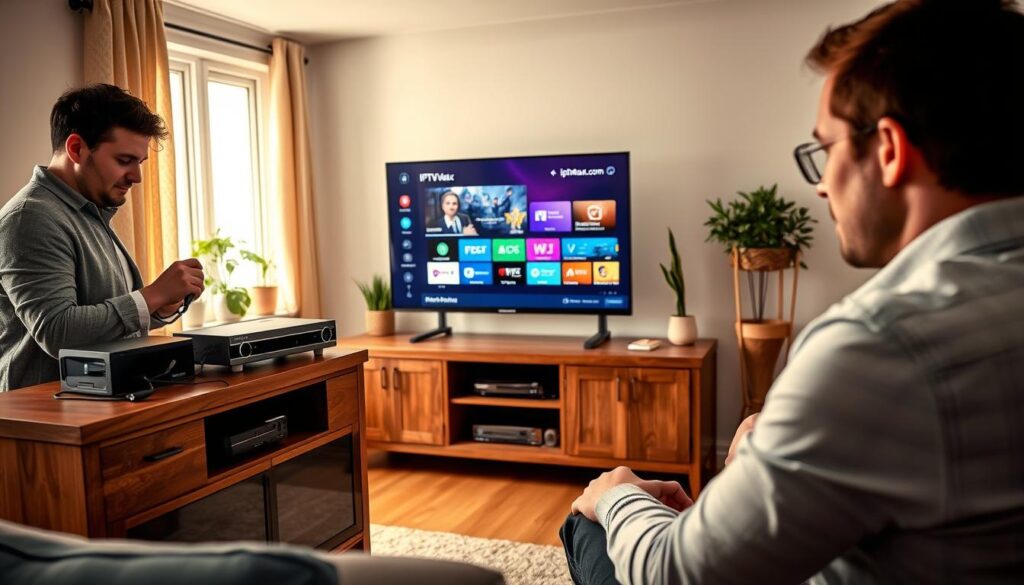
To ensure a smooth streaming experience, it’s vital to maintain high-quality connections and speed. Achieving this requires adequate internet speed, a properly configured network, and systematic troubleshooting of common issues like buffering, blank EPG, and login failures.
Best Practices for Internet Speed and Network Setup
Buffering is the number one complaint I hear from Canadian users. In my experience, the root cause is almost always a network issue rather than a problem with the device or service itself. Here are some best practices to prevent buffering:
- Ensure your internet connection delivers consistent speed—at least 50 Mbps for 4K streams.
- Use a wired Ethernet connection whenever physically possible for a more stable connection.
- Place your IPTV device near the router to improve signal strength.
- Restart your router weekly to clear memory leaks and refresh your network connection.
Troubleshooting Common IPTV Box Problems
When troubleshooting issues, I follow a systematic approach:
- First, check the internet connection speed to ensure it meets the requirements.
- Verify all physical connections are secure.
- Refresh your IPTV service credentials to eliminate any login issues.
- Finally, restart the IPTV device itself to resolve temporary glitches.
A blank EPG is a common issue that can be resolved by refreshing the guide data in the player settings. Also, double-check that your time zone matches your region.
Login failures can be frustrating but are usually simple to fix. I always advise users to carefully re-enter their Xtream Codes username, password, and server URL exactly as provided, ensuring there are no extra spaces or characters.
If you experience persistent buffering despite adequate internet speed, check for background downloads or other devices consuming bandwidth. Remember, the streaming quality you experience is directly tied to the stability of your connection, not just its raw speed.
By placing your IPTV device close to your router or connecting via Ethernet, you can resolve most performance issues without additional configuration. Regular maintenance, including firmware updates and clearing app caches, keeps your device running smoothly.
Privacy, Security, and Legal Considerations with IPTV in Canada
Navigating the complexities of IPTV in Canada requires a clear understanding of privacy, security, and legal issues. The legality of IPTV services hinges on whether they possess the proper licensing for the content they stream. In essence, the technology itself is legal, but the specific services must adhere to copyright laws.
Canadian users often have questions about the legality of the services they choose. I always advise exercising due diligence when selecting providers. Services that offer thousands of premium channels at suspiciously low prices often operate without the necessary licensing agreements.
The legal landscape is evolving, and while individual streamers are rarely targeted, users must make informed choices. This responsibility is crucial in ensuring compliance with copyright laws and avoiding potential legal issues.
Understanding Legality of IPTV Services
IPTV technology is legal, but the legality of specific services depends on licensing. Always check if the service has the rights to distribute the content you wish to access. Using a VPN can enhance your streaming experience while providing an extra layer of security.
Why Using a VPN is Crucial for IPTV Streaming
Using a VPN is essential for several reasons:
- Bypassing ISP Throttling: Canadian ISPs often throttle streaming traffic during peak hours. A VPN helps maintain optimal performance.
- Protecting Your Privacy: A VPN ensures that your internet service provider cannot monitor your streaming habits or the services you access.
- Accessing Blocked Services: If you’re traveling outside Canada, a VPN allows you to access your IPTV service without restrictions.
- Improving Streaming Quality: Quality VPNs can enhance your streaming experience by routing your connection through optimized servers.
For Canadian users, I recommend using PureVPN, known for its speed and security. It’s easy to install on various devices, including Android TV boxes, and comes with a 31-day money-back guarantee.
In conclusion, investing in a VPN is a small but vital step for any IPTV setup in Canada. It not only safeguards your privacy but can also enhance your overall streaming experience.

Maximizing Your IPTV Streaming Experience with Apps and Settings
Enhancing your streaming experience is all about the right applications and settings. Once your IPTV device is set up and running, the real fun begins: customizing your streaming experience to match exactly how you like to watch television. The right apps make all the difference.
I recommend TiviMate as my top IPTV app choice for its polished interface, responsive EPG, and extensive customization options. This app lets you tailor every aspect of the viewing experience to your preferences. IPTV Smarters Pro is another excellent option, particularly for its multi-screen support and user-friendly design that works well across different IPTV devices and screen sizes.
Popular IPTV Apps Compatible with Boxes
Choosing the right IPTV apps can significantly enhance your streaming quality. Here are two standout options:
- TiviMate: Known for its sleek interface and customization capabilities, this app allows you to create a favorites list and organize channels logically.
- IPTV Smarters Pro: This app offers a user-friendly experience and supports various screen sizes, making it a versatile choice for different setups.
Customizing Channels, EPGs, and Remote Controls
Customizing your channel list is one of the most impactful changes you can make. I suggest creating a favorites list with your most-watched channels, hiding categories you never use, and organizing the remaining channels in a logical order that makes browsing effortless.
The EPG customization options on quality IPTV apps allow you to adjust how many rows of programming are displayed, change the color scheme for better visibility, and configure the time offset to ensure accurate show listings for your Canadian time zone.
I am a strong advocate for taking the time to configure remote control shortcuts. Programming dedicated buttons for your favorite channels, the EPG, or the recording function transforms the daily experience from tedious menu navigation to instant access.
Many IPTV devices support backup and restore functions for your settings. I urge every Canadian user to create a backup once they have everything configured perfectly. This saves hours of work if you ever need to reset or replace your device.
The apps you choose and how you configure them directly impact the streaming quality and overall experience. I encourage experimentation with different IPTV apps to find the one that feels most intuitive to you. For households with multiple viewers, consider setting up separate profiles or favorite lists within your IPTV app. This way, each family member can access their preferred content without scrolling through irrelevant channels.
The time invested in customization pays off every single day, turning your IPTV device from a generic streaming solution into a personalized entertainment hub that feels like it was built just for you.
Conclusion
I recommend a dedicated streaming device as the definitive solution for Canadian households seeking to elevate their viewing experience. This choice delivers unmatched quality, reliability, and ease of use that app-based alternatives simply cannot match. The right device, paired with a quality service, transforms your television into an entertainment powerhouse.
The best option for most users is the Amazon Fire TV Stick 4K, which is affordable and runs popular apps smoothly. For those seeking top performance, consider an Android TV box with Ethernet or an Apple TV 4K. Any of these options can be paired with an IPTV subscription in minutes.
- A dedicated device is the best investment for a superior television experience.
- Purpose-built hardware, a quality service, and proper setup create a streaming experience that rivals traditional cable.
- Test services with short-term plans before committing long-term.
- Canadian users who follow the setup guidance will enjoy smooth, high-quality streaming.
- Invest wisely in your choice of device and service provider for the best daily viewing experience.
Thank you for trusting my expertise as you navigate the world of streaming in Canada. With the right device and guidance, you will enjoy years of exceptional entertainment.